
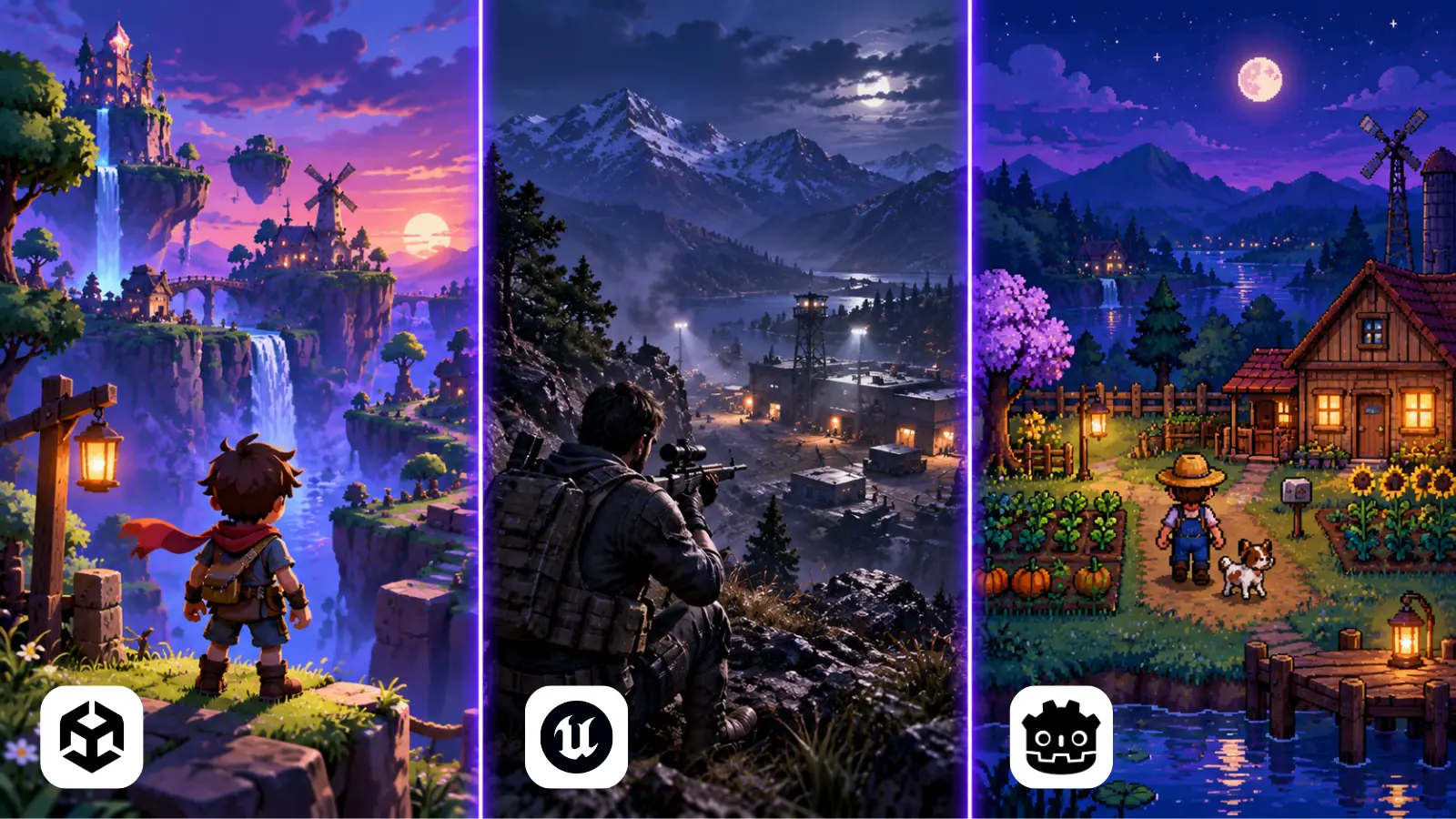
There is no universal “best” game engine. There is a best engine for a specific production shape: a two-person mobile team, a 20-person systems-heavy indie, a cinematic console team, a classroom, or a studio building a toolchain it expects to maintain for a decade.
Unity, Unreal, and Godot can all ship real games. The difference is not whether they are “capable.” The difference is where each engine spends your budget: on rendering quality, iteration speed, tooling maturity, licensing risk, source control friction, runtime footprint, hiring, and escape hatches when the editor fights you.
The Short Answer
If you need a fast decision: choose Unity for broad platform support, mobile, 2D/3D indies, and a huge asset/plugin ecosystem. Choose Unreal when high-end 3D visuals, multiplayer architecture, cinematic tooling, or source access matter. Choose Godot when you want a lightweight, open-source engine with excellent 2D workflows, small-team ergonomics, and low licensing risk.
Comparison at a Glance
| Criterion | Unity | Unreal | Godot |
|---|---|---|---|
| Best fit | Mobile, indie 3D, broad platforms | High-end 3D, AAA-style pipelines | 2D, small teams, open-source projects |
| Primary languages | C# | C++, Blueprints | GDScript, C#, C++ |
| Rendering ceiling | Good, flexible, often needs tuning | Excellent out of the box | Improving, strongest in stylized/2D |
| Editor weight | Medium | Heavy | Light |
| Licensing posture | Free below $200,000, then paid seats | Free below $1 million, then 5% royalty | Free, MIT license |
Unity: The Generalist With the Largest Tool Shelf
Unity’s strength is breadth. It has been used for mobile hits, VR prototypes, console indies, educational simulations, architecture tools, and live-service games. That breadth matters when a project’s target platform may change after funding, or when a client suddenly asks for a WebGL demo, a Quest build, and an iPad version in the same quarter.
The C# workflow is productive. Domain reloads, serialization quirks, and package version conflicts can be annoying, but a competent Unity team can prototype gameplay quickly. The Asset Store is still a real advantage: not because purchased systems should be dropped into production untouched, but because they compress exploration. Need pathfinding, dialogue tooling, spline editing, save systems, or platform SDK examples? Someone has probably shipped a starting point.
Unity’s weakness is fragmentation. Render pipelines, input systems, networking stacks, UI systems, and package versions have all had periods where the “official” answer changed. That is manageable if you freeze versions early and treat engine upgrades as scheduled work, not background hygiene. It is painful if the team upgrades casually two weeks before a milestone.
Choose Unity When
- You need to target mobile, desktop, console, VR, AR, or WebGL from one codebase.
- Your team is strongest in C# and wants short gameplay iteration loops.
- Your art direction is stylized, mid-fidelity, UI-heavy, or performance-sensitive rather than photoreal.
- You benefit from a large plugin marketplace and a large hiring pool.
Unreal: The High-End 3D Production Engine
Unreal is the default serious answer for high-end real-time 3D. Nanite, Lumen, World Partition, Control Rig, Sequencer, MetaSounds, Gameplay Ability System, and mature profiling tools create a production environment that feels built for large scenes and large teams. If the pitch deck contains cinematic third-person combat, realistic lighting, open worlds, or virtual production, Unreal starts with a lead.
Blueprints are not a toy. They are a visual scripting layer that lets designers build behavior without waiting on a programmer for every small change. The tradeoff is architectural discipline. Large Blueprint graphs become expensive to review, diff, and refactor. Strong Unreal teams usually define boundaries: designers script moment-to-moment behavior in Blueprints, while performance-sensitive systems and durable APIs live in C++.
Unreal’s cost is weight. The editor is large, builds are slower, CI machines need more disk and RAM, and the C++ iteration loop can punish small teams. You also inherit Unreal’s way of thinking: actors, components, replication, reflection macros, UObjects, and build tooling. Once learned, it is powerful. While learning, it is a tax.
Choose Unreal When
- Your game’s marketability depends on high-end 3D visuals or cinematic presentation.
- You need robust multiplayer replication patterns, world streaming, or large-scene workflows.
- You have technical artists who can exploit materials, Niagara, Sequencer, and Blueprints.
- You want engine source access and are comfortable paying the complexity cost.
Godot: The Lightweight Engine You Can Actually Understand
Godot’s advantage is clarity. The editor launches fast, projects are small, scenes are easy to reason about, and the node model is consistent. For many 2D games, especially tactics, platformers, visual novels, puzzle games, and UI-driven simulations, Godot gets out of the way better than the larger engines.
The MIT license is not just philosophical. It removes a class of business risk. There are no per-seat fees, runtime fee surprises, or royalty calculations. If your studio is grant-funded, education-focused, open-source aligned, or building internal tools that may outlive the original team, that matters.
Godot’s tradeoff is ecosystem depth. Console support is the first thing to verify: Godot’s own FAQ points readers to its website for current console status, so confirm your target platform before committing. The asset marketplace is smaller. Advanced 3D features are improving, but Unreal is still ahead for out-of-the-box high-end visuals, and Unity generally offers more platform integrations and commercial middleware. For a small team, that may not matter. For a studio with strict platform certification and publisher milestones, it can matter a lot.
Choose Godot When
- You are building 2D or stylized 3D and want fast iteration without a heavy editor.
- You value open-source licensing and long-term project ownership.
- Your team can tolerate a smaller ecosystem in exchange for simpler internals.
- You are teaching, prototyping, or building a game where engine transparency is a feature.
Licensing and Cost Compared
License terms can change without a single line of your code changing, which is why they belong in the decision. Unity has revised its terms recently, and Unreal’s depend on what you build, so the figures below are the published terms as of September 2026. Each vendor’s own page is the authority before you commit.
| Engine | What you pay | Where the line is | Worth checking |
|---|---|---|---|
| Unity | Personal is free. Pro is $2,310 per seat per year, or $210 per seat per month. | Pro is required above $200,000 in revenue or funding. Enterprise is required above $25 million in annual revenue. | The Runtime Fee is cancelled. Pro and Enterprise prices rose 5% from January 12, 2026. |
| Unreal | Free below $1 million in gross revenue. Above it, a 5% royalty on lifetime gross revenue from the product. | Games and apps that ship engine code to end users pay royalties. Other commercial use above $1 million in the past 12 months pays a per-seat license. | Epic Games Store sales are royalty-free. Seat prices vary by region, so check Epic’s page for yours. |
| Godot | Nothing. No fees and no royalties. | None. | MIT license. Keep the copyright and license notice when you ship the engine with your game. You own your game. |
Two rough illustrations, built only from the figures above and before any discount or waiver:
- A five-person studio on Unity Pro pays 5 × $2,310 = $11,550 a year in seats.
- An Unreal game that earns $3 million outside the Epic Games Store owes 5% of the $2 million above the first $1 million, which is $100,000.
The cheapest license is not always the cheapest engine. Godot costs nothing in fees, but a smaller plugin market and extra console work can move that cost into engineering time. Put all three into the same spreadsheet as your spike results.
The Decision Factors That Actually Matter
Engine debates often get stuck on screenshots and benchmark anecdotes. In production, the important questions are less glamorous. They are about how often your team waits, how easily non-programmers can contribute, how expensive mistakes are, and whether the engine’s defaults match the game you are actually making.
- Rendering target: If your visual bar is close to current AAA expectations, Unreal is the shortest path. If your style is authored, flat, pixel, low-poly, or UI-heavy, Unity and Godot may be faster.
- Team composition: C# programmers ramp faster in Unity. C++ engineers and technical artists often thrive in Unreal. Generalists and beginners often move fastest in Godot.
- Build and iteration time: A 45-second editor restart repeated 40 times per day is not a small cost. Measure play-mode entry, content import, clean build time, and CI packaging before committing.
- Platform risk: Unity has the broadest “we can probably build it” story. Unreal is strong for PC and console. Godot is improving, but console work requires more planning.
- Licensing and governance: License terms are production dependencies. Treat them like cloud pricing or platform fees: model them before the game succeeds, not after.
A Practical Selection Process
Do not choose an engine from a Reddit thread or a trailer reel. Run a one-week spike. Build the same ugly vertical slice in two candidate engines: one playable level, one save/load path, one target-device build, one representative shader or UI screen, one CI build, and one profiler pass. The point is not polish. The point is to expose friction while the project is still cheap.
The best engine is the one where your team discovers boring problems early, not catastrophic problems late.
Score the spike with numbers. For example: first playable time, build size, average frame time on target hardware, editor crash count, cold build duration, hot iteration duration, number of custom tools required, and number of unanswered platform questions. A rough spreadsheet beats a passionate argument.
For the kinds of projects we take on, see our game development service. For the simulation side of our work, read Why High-Risk Industries Rely on Simulation-Based Training.
Final Recommendation
In our view, for most small commercial teams in 2026, Unity remains the safest general-purpose choice if the project is not chasing top-tier 3D fidelity and if the team is comfortable with its licensing and package ecosystem. Unreal is the best choice when the game’s value depends on high-end visuals, cinematic workflows, or large-scale 3D systems. Godot is the best choice when ownership, simplicity, 2D productivity, and open-source licensing matter more than ecosystem size.
The mistake is picking the engine with the most features. Features do not ship games; teams do. Pick the engine whose constraints match your team’s strengths, your art direction, your platform plan, and your tolerance for engine-level maintenance. That is the only definition of “best” that survives production.
Frequently Asked Questions
Unity is a friendly place to start, especially if you already know C#, because it has a large plugin ecosystem and a large hiring pool behind it. Godot is a close second: the editor is light and the scene model is simple, so many beginners pick it up quickly. Unreal asks the most of a new team, since you learn actors, components and replication along with the engine.
Godot is a strong default for 2D, especially tactics, platformers, visual novels and puzzle games. Unity also handles 2D well and adds broader platform support. Unreal is built around high-end 3D, so it is rarely the first pick for 2D.
Unity is the usual answer, because it targets mobile, desktop, console, VR, AR and WebGL from one codebase.
No. Unity cancelled the Runtime Fee, and it does not apply to games made with Unity 6 or any other version of Unity. Teams above $200,000 in revenue or funding need Unity Pro, which is $2,310 per seat per year.
Above $1 million in lifetime gross revenue from a product, yes: 5% of the revenue above that line. Epic Games Store sales are royalty-free. Commercial use that does not ship engine code to third-party end users is charged per seat instead, once you pass $1 million in the past 12 months.
Yes. Godot is released under the MIT license with no fees or royalties, and you own your game. You only need to include the copyright and license notice when you ship the engine with it.
Rarely. Scenes, scripts and tooling do not carry over, so a switch resets much of your progress. Run the one-week spike first so you choose once.
Choosing an Engine for a Real Project?
Tell us your platform, team size and visual bar. We will tell you which engine we would start with and what to test first.
Sources
- Unity Pricing ChangesUnity
- Unity Plans and PricingUnity
- Godot Engine LicenseGodot Engine
- Unreal Engine (UE5) Licensing OptionsEpic Games
- Nanite Virtualized Geometry in Unreal EngineEpic Games
- World Partition in Unreal EngineEpic Games
- Godot Engine FAQGodot Engine